Browse help topics
Manual or Auto-pilot, and when builds start
Two settings decide when sheets appear. Automation says what happens to a client with open questions; Building says when Taxably starts on its own.
- Applies to
- Taxably Connect 3.3.9 and later
- Last reviewed
Both settings are in Settings, under Automation and Building. Neither one changes what a sheet contains, only when it is written.
Automation: Manual or Auto-pilot
| A client with open questions | When a sheet is written | |
|---|---|---|
| Manual | Waits for your answers. Everyone else builds. | When you press Build prep, or answer the last question about that client |
| Auto-pilot | Builds anyway. The questions are printed at the end of the sheet. | On its own, once the client's folder has gone quiet |
Taxably starts on Manual. Choose Auto-pilot when you would rather settle questions while you prepare than before the sheet exists.
Manual
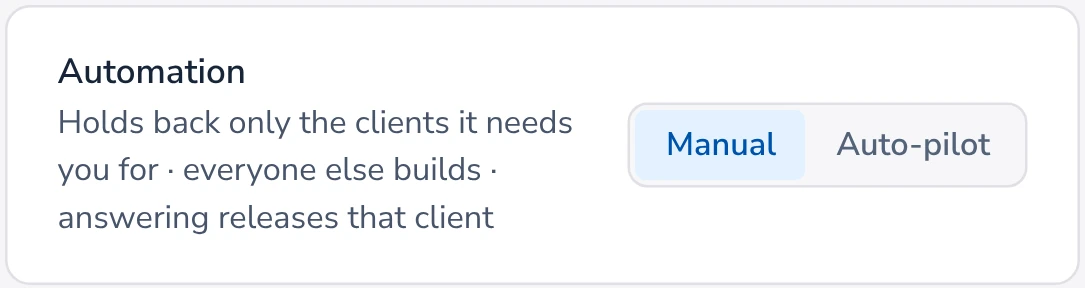
Holds back a client with open questions until you answer.
Auto-pilot
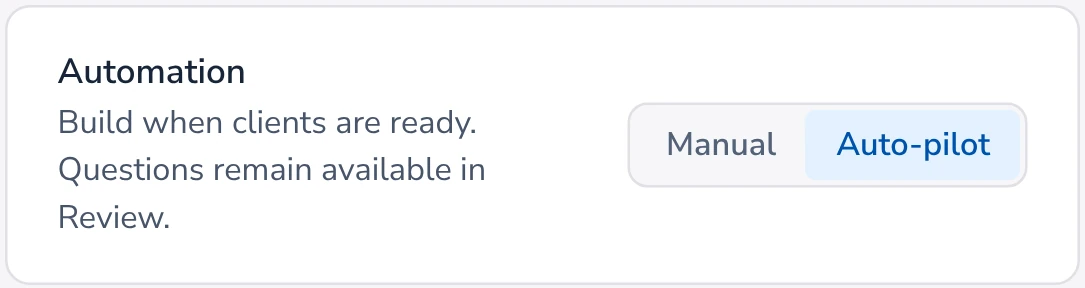
Builds anyway and prints the questions on the sheet.
Building: when Taxably starts on its own
- As documents arrive: new documents are read when they land in a client's folder. This is where Taxably starts.
- Once a day: new documents are read at the time you choose.
- Only when you press Build: nothing runs on its own.
Whichever you choose, Build prep always works straight away.
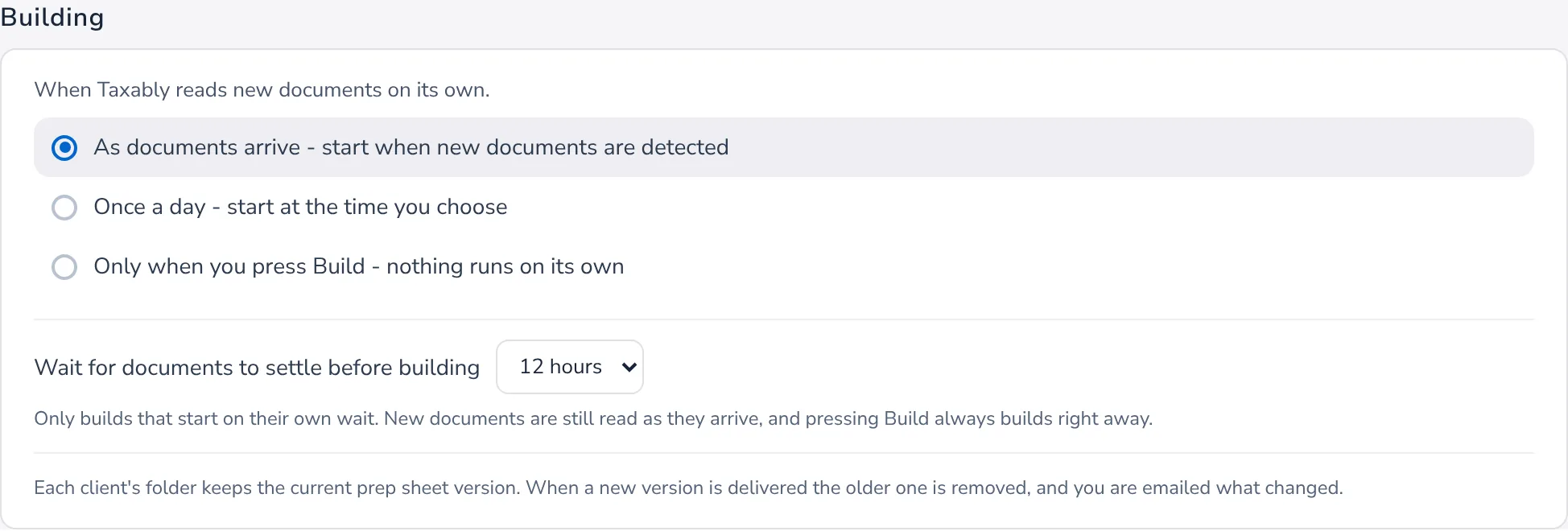
The settle wait
A build that starts on its own waits until nothing in a client's folder has been added, changed or removed for a while, 12 hours unless you choose a shorter wait between 1 and 12 hours. A client who is still sending documents does not get a string of half-finished sheets. Reading is never held back, only the sheet.
While a client waits, Home and the Clients table say so, with the time it builds. Your own press builds at once, and Build prep tells you if a document arrived recently.
Related articles
- Build prep sheetsChoose your clients in Build prep, see what the build adds to your bill, and confirm. Taxably reads their documents and writes each client's sheet.
- Answer Taxably's questionsWhen the paperwork cannot settle something, Taxably asks you instead of guessing. Answer once and the answer is kept.
- Where prep sheets are saved, and when they updateEach sheet is saved in its client's own folder, in Taxably Prep under the tax year. It is rebuilt when something changes, and only then.
- A tour of SettingsWhat each part of Settings does, and when you would change it. Most firms change one or two things and leave the rest as it starts.
Still stuck?
Email support@taxably.ai, or send your question from Help and support.