Browse help topics
Read a prep sheet
One PDF per client per tax year, with every document the client sent, filed by section, the figures Taxably read, and what still needs you.
- Applies to
- Taxably Connect 3.3.9 and later
- Last reviewed
On this page
Open a sheet from the Prep Sheets screen, or straight from the client's folder. It is an ordinary PDF: anyone at your firm who can open the folder can read it, without a Taxably sign-in.
What is in it
Cover
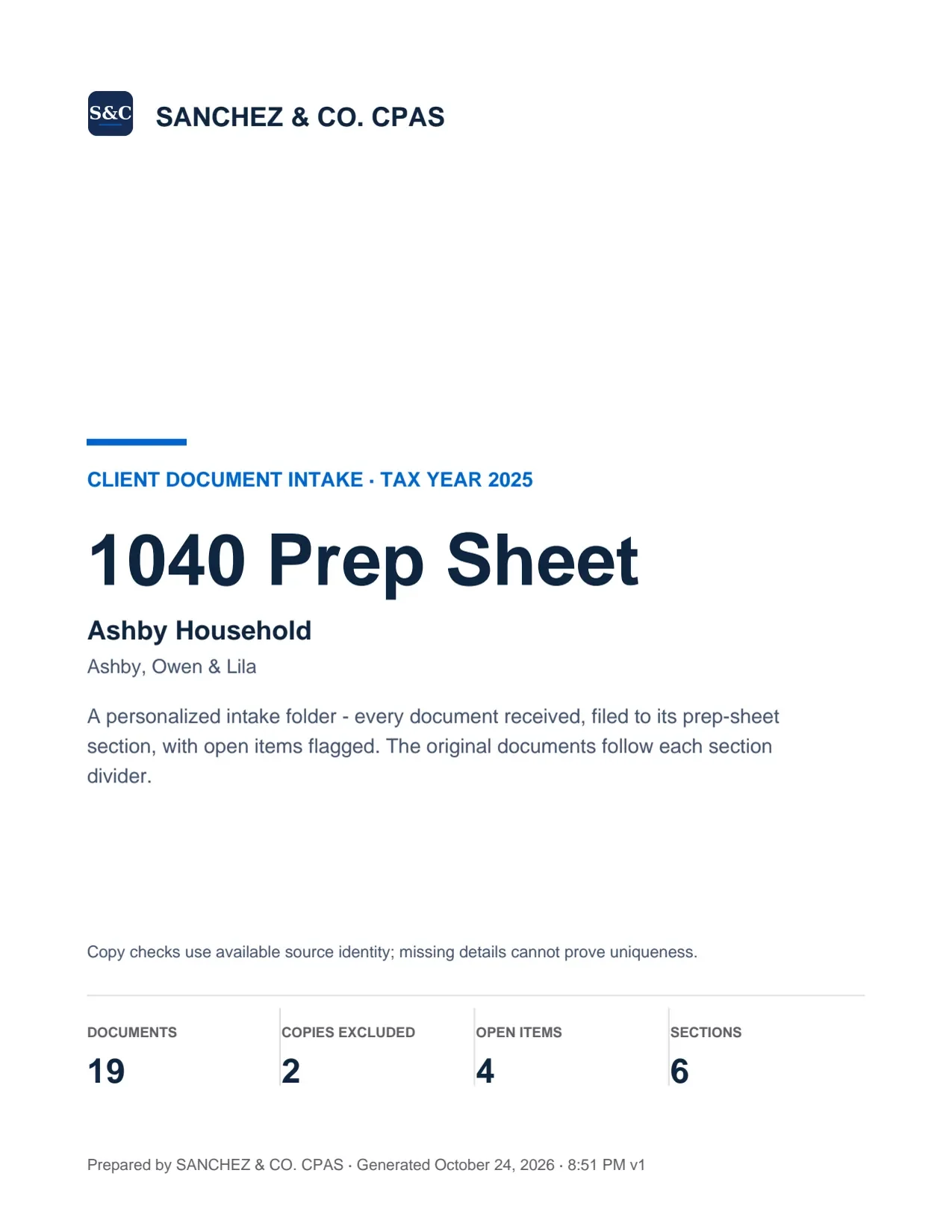
The firm, the client and the tax year.
Contents
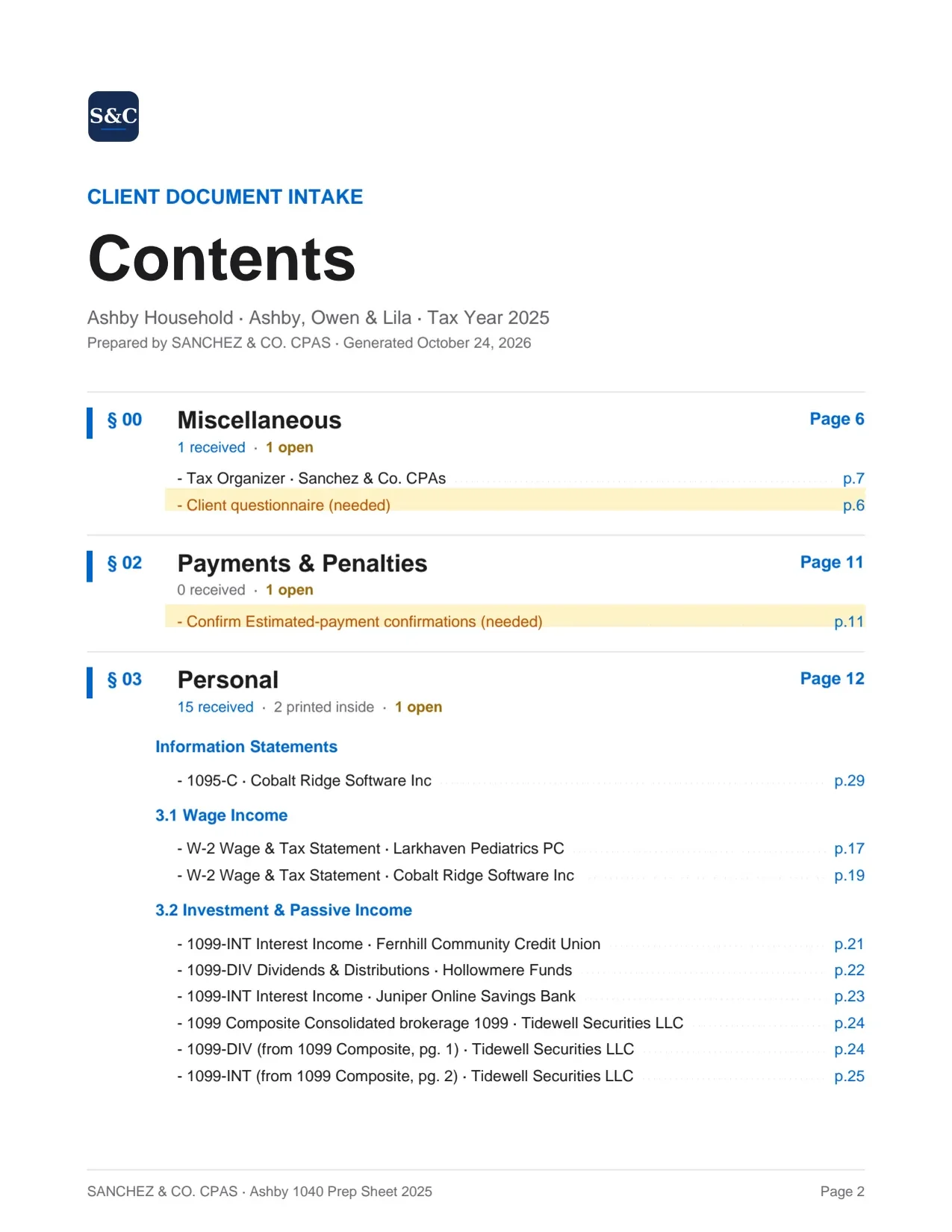
Every section and document, each a link.
- Cover. Your firm's name and logo, the client, the tax year, and how many documents and open items there are.
- Contents. Every section and every document, each a link.
- One section for each kind of document in play. Each opens with the documents received, and anything the client's own paperwork points to that has not arrived, marked NEEDED.
- Every page of every document, exactly as it arrived. Above each page, the figures Taxably read, box by box, in the order the form prints them.
- Income reconciliation. Income added up by source, on one page.
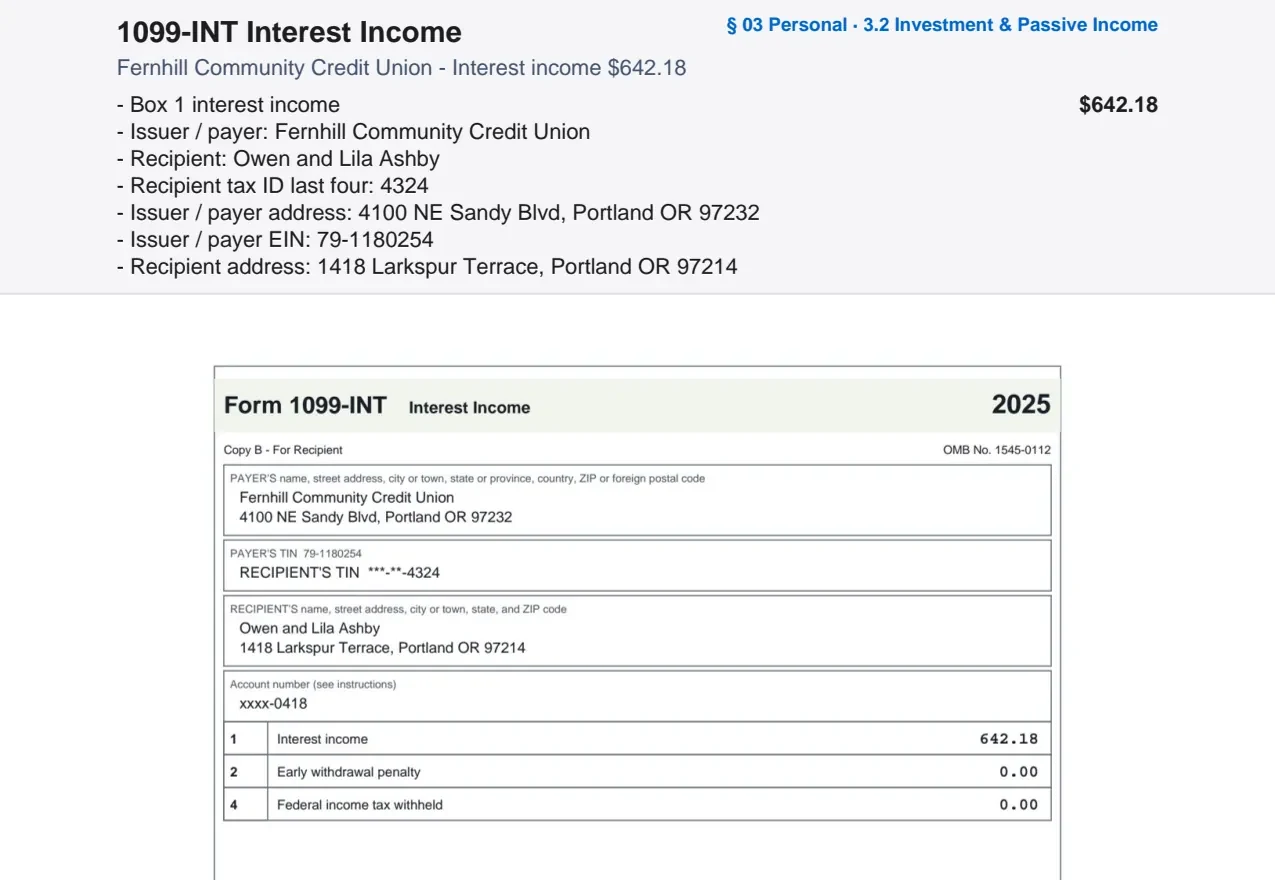
The band above each page lists what was read off it, box by box.
Income reconciliation
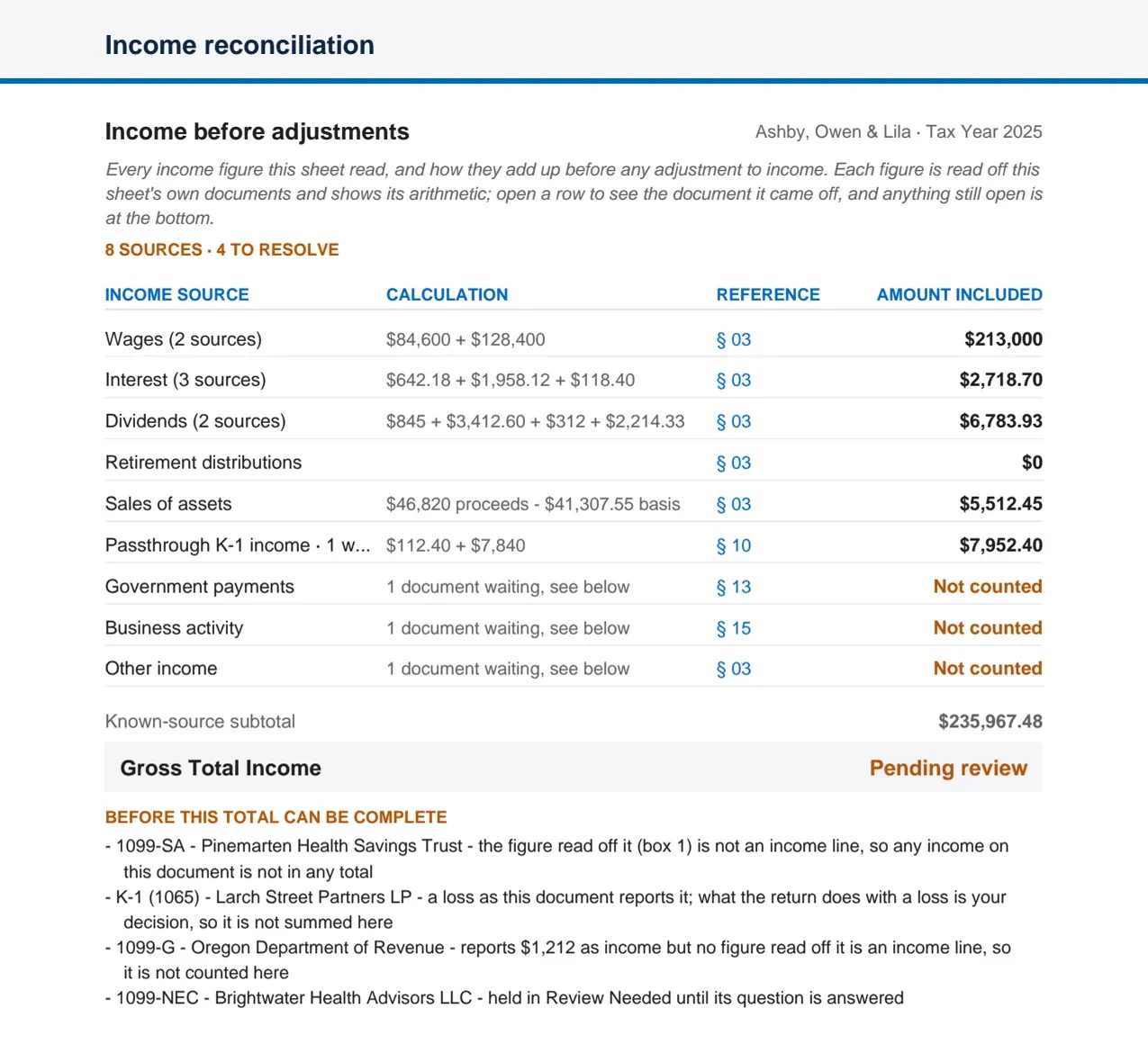
What waits is named, never counted as zero.
- Last year. What changed since last season, and the balances carried from last year's return, each with the year it came from.
- Questions and notes. Everything still open, worded as what to check.
Why you can rely on it
- Every figure links to the page it came from, so checking one takes a click.
- Taxably never draws on, highlights or marks your client's pages.
- A document that could not be read is named, never left out.
- A figure still waiting on a question is listed by name and not counted as zero, and a total that may be short says so.
- A form an organizer only mentions is never reported as received, and two copies of one statement count once.
- Taxably's own words show only the last four digits of an account number.
Taxably reports what the documents say. How the law treats them is your call.
Related articles
- Where prep sheets are saved, and when they updateEach sheet is saved in its client's own folder, in Taxably Prep under the tax year. It is rebuilt when something changes, and only then.
- The kinds of questions, and what each answer doesEvery question Taxably asks names the document, what it found and why it is asking. Here is each kind, with what your answer changes.
- Build prep sheetsChoose your clients in Build prep, see what the build adds to your bill, and confirm. Taxably reads their documents and writes each client's sheet.
- When a sheet does not buildTaxably does not fail quietly. Here is where it tells you something went wrong, and what to do in the common cases.
Still stuck?
Email support@taxably.ai, or send your question from Help and support.